Navigate the New Canva
Find your way around recent updates without feeling like you have to relearn everything.
LIVE ONLINE • SEPTEMBER 18–19, 2026
Learn the New Tools. Understand the AI.
Create With Confidence.
Canva has changed. If you use it for your business—or want to—but know you’re barely scratching the surface, come learn what matters and finally stop saying:
“I know Canva can do it…
I just don’t know how.”
Canva is no longer just a place to make a quick flyer or social post.
Its newer AI-powered features can help you brainstorm, generate visual content, edit designs, develop digital products, and simplify your creative process.
Coach NaQuandra will show you the platform through real-world business and digital-product scenarios—so you understand what a tool does, when to use it, and why it matters.
We’re not learning every button. We’re focusing on the features that help you create for your business with confidence.
Find your way around recent updates without feeling like you have to relearn everything.
Explore newer AI-powered tools and learn where they actually fit in your creative process.
Work with text, images, elements, layouts, and design tools more intentionally.
Turn ideas into useful resources, products, and lead-generating freebies.
Discover features that make everyday creating faster, simpler, and less frustrating.
Build the confidence to explore, experiment, and figure things out when Canva changes again.
Choose the experience that fits what you need right now.
DAY ONE
SEPT 18 • 7 PM ETWatch it. Understand it. Learn it.
BOTH DAYS
SEPT 18–19Learn it. Then do it.
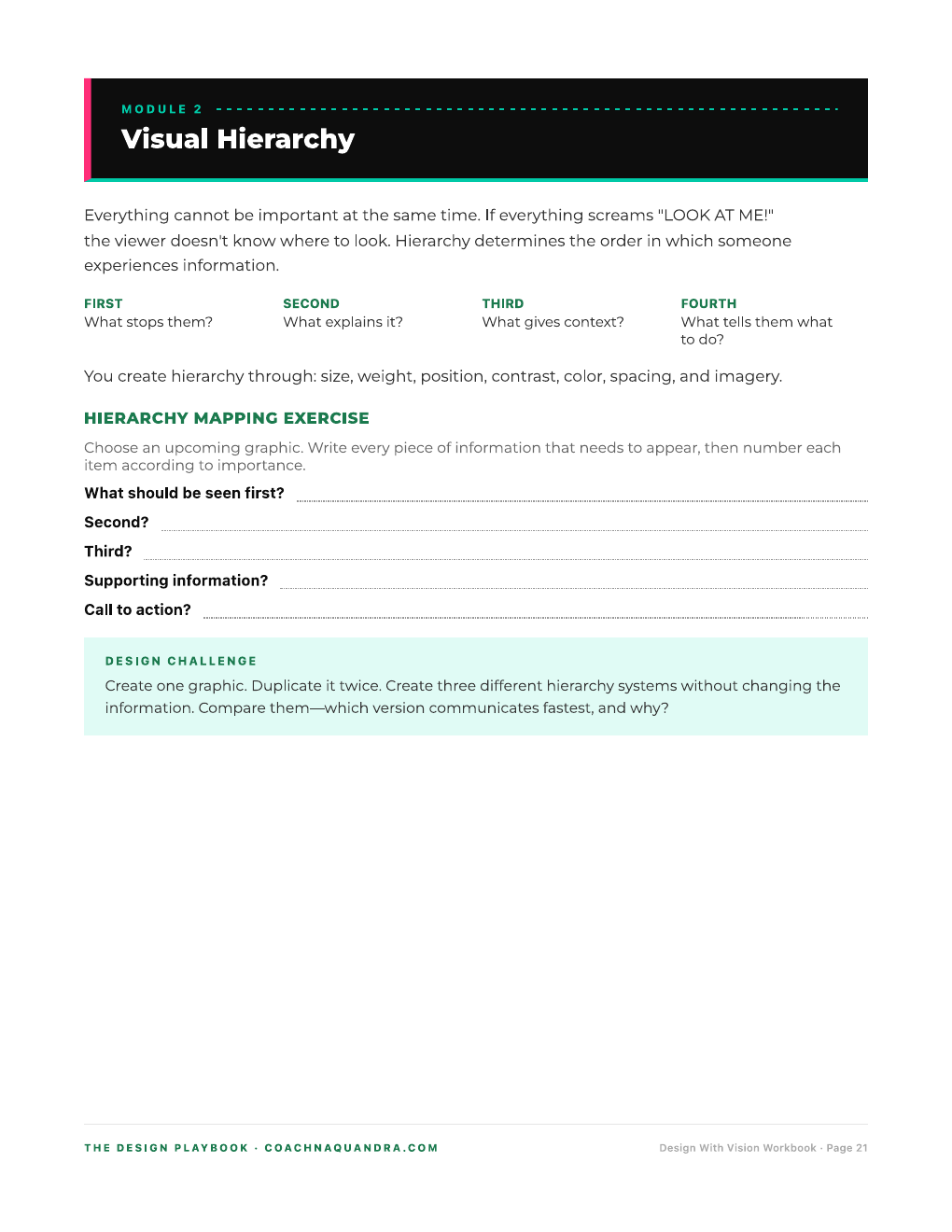
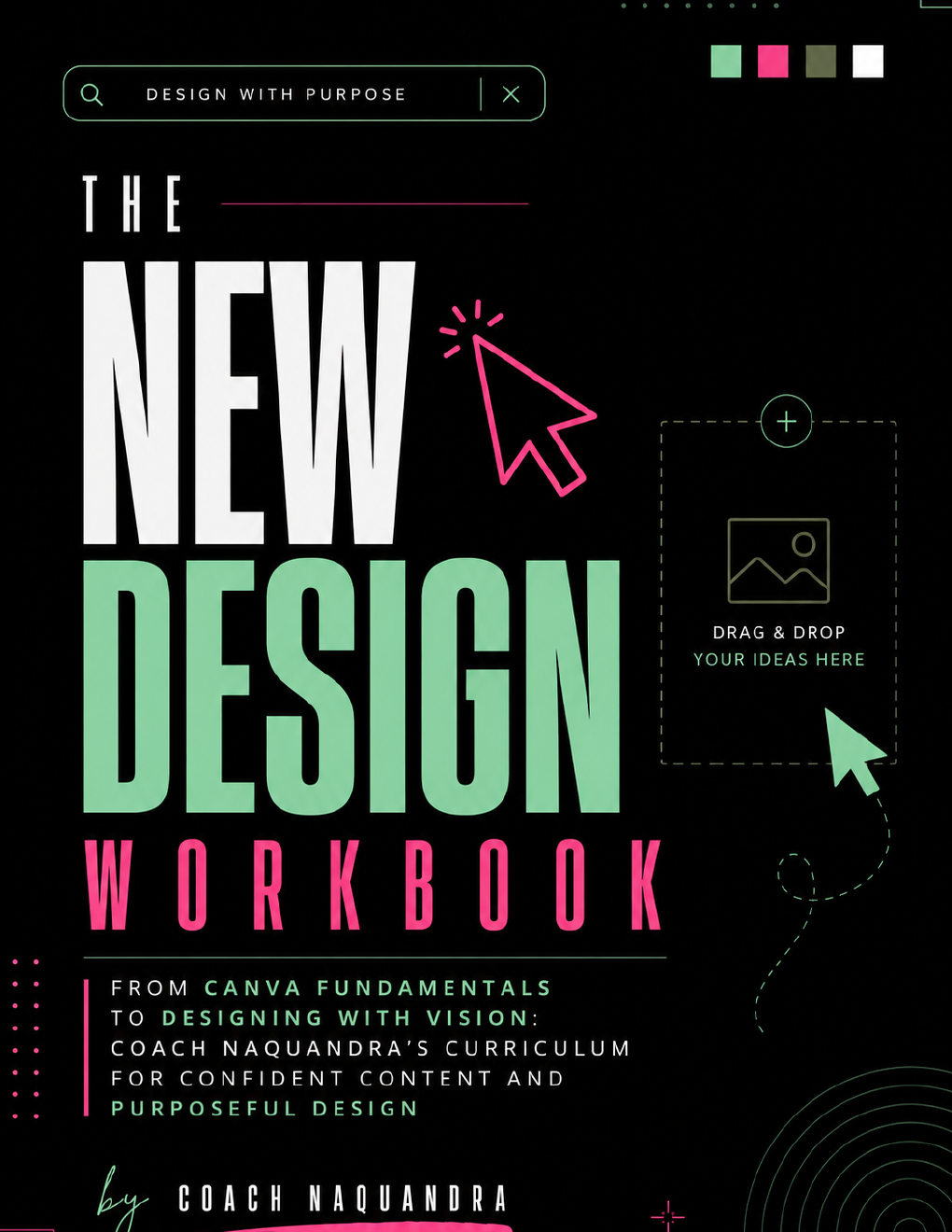
The class shows you how to use the tools. The New Design Workbook helps you practice the design principles that make your work clear, confident, and purposeful.
Optional add-on. The workbook is purchased separately from your class ticket.
Full Experience attendees will return on Day Two, open Canva, and create alongside Coach NaQuandra.
Practice foundational skills you can use for social posts, event promotions, product graphics, covers, and more.
Create a simple resource that introduces potential customers to your business, program, service, mentorship, or offer.
Maybe you change the words in templates. Maybe you’ve created for years but still work exactly like you did three years ago. Whether you’re creating for a business, personal brand, church, or ministry, the goal is the same:
This class isn’t about turning you into a graphic designer in two days. It’s about helping you become more capable of bringing your own ideas to life.
When Canva changes again—and baby, Canva will change again—you’ll have enough foundational confidence to explore instead of immediately feeling lost.
Coach NaQuandra is a digital creative strategist and graphic designer who helps entrepreneurs, leaders, and creators bring their ideas to life through visual content, digital products, workbooks, websites, and practical creative strategy.
She teaches from real experience creating for businesses, ministries, authors, and brands—so you can understand how the tools work in situations that actually matter to you.
From “I don’t know how” to “Let me open Canva and figure this out.”
Bring your willingness to learn, experiment, and create—and don’t forget the charger. We’re not letting 8% battery ruin anybody’s breakthrough.
Some demonstrated features may require Canva Pro. You can attend with a free account, but you may not have access to everything. If an eligible free trial is available, you may choose to activate it before class.
Yes. No design experience is required. More experienced Canva users are also welcome, especially if they want to learn newer tools and AI-powered features.
Canva Pro is preferred because some tools may require it. You can attend with a free account, but you may not be able to use every feature demonstrated.
No. Listen & Learn includes Day One on September 18 at 7 PM ET. To attend Play & Learn on September 19 at 11 AM ET, choose The Full Experience.
Listen & Learn attendees receive one week of replay access. Full Experience attendees receive unlimited replay access.
Yes. Use the upgrade option provided after registration to add Play & Learn access.
Yes. There is no advance registration deadline. Registration remains open until the class begins.
All registrations are final. Tickets are nonrefundable and nontransferable.
SEPTEMBER 18–19, 2026 • LIVE ONLINE